What is a stock watchlist?
A stock watchlist is a saved set of stock symbols you want to revisit. It tracks a research shortlist; adding a symbol does not buy it or create a portfolio position. Investfly also supports watch lists for other available security types.
On desktop, switch the Dashboard's Lists panel to WatchList. On mobile, open Watch Lists from the Markets navigation.
Create and save your stock watchlist
- Choose New WatchList.
- Enter a descriptive name for the research question and select the stock security type.
- Add the stock symbols you want to track. Start with a list you can review consistently; refine it as your research changes.
- Save, then select the list to display its current rows.
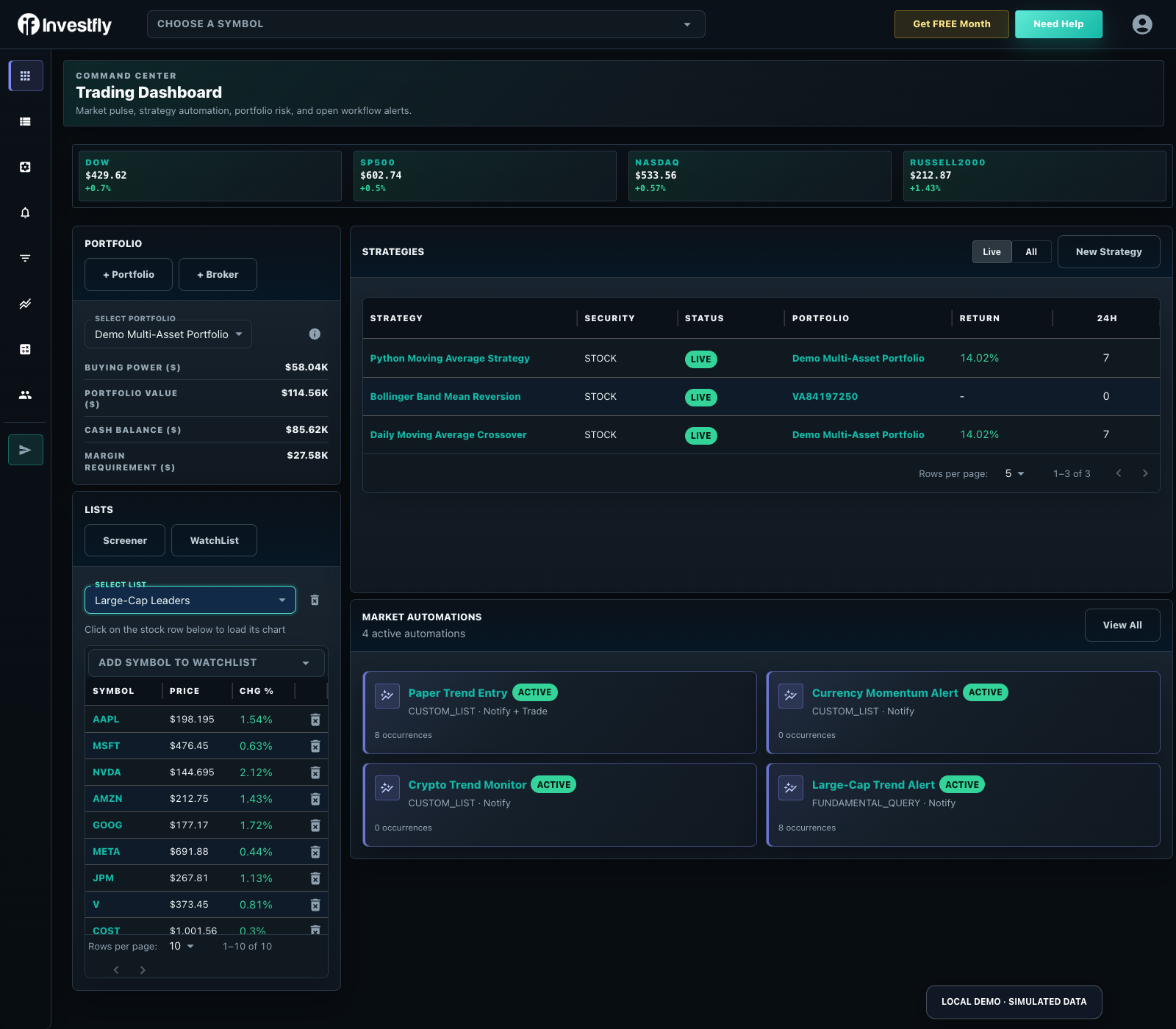
Add or remove symbols
Add symbols while editing the list or use Add to Watch List from a supported symbol detail page. Remove a row from the list when you no longer want it tracked; this does not close a portfolio position or delete the symbol from another list.
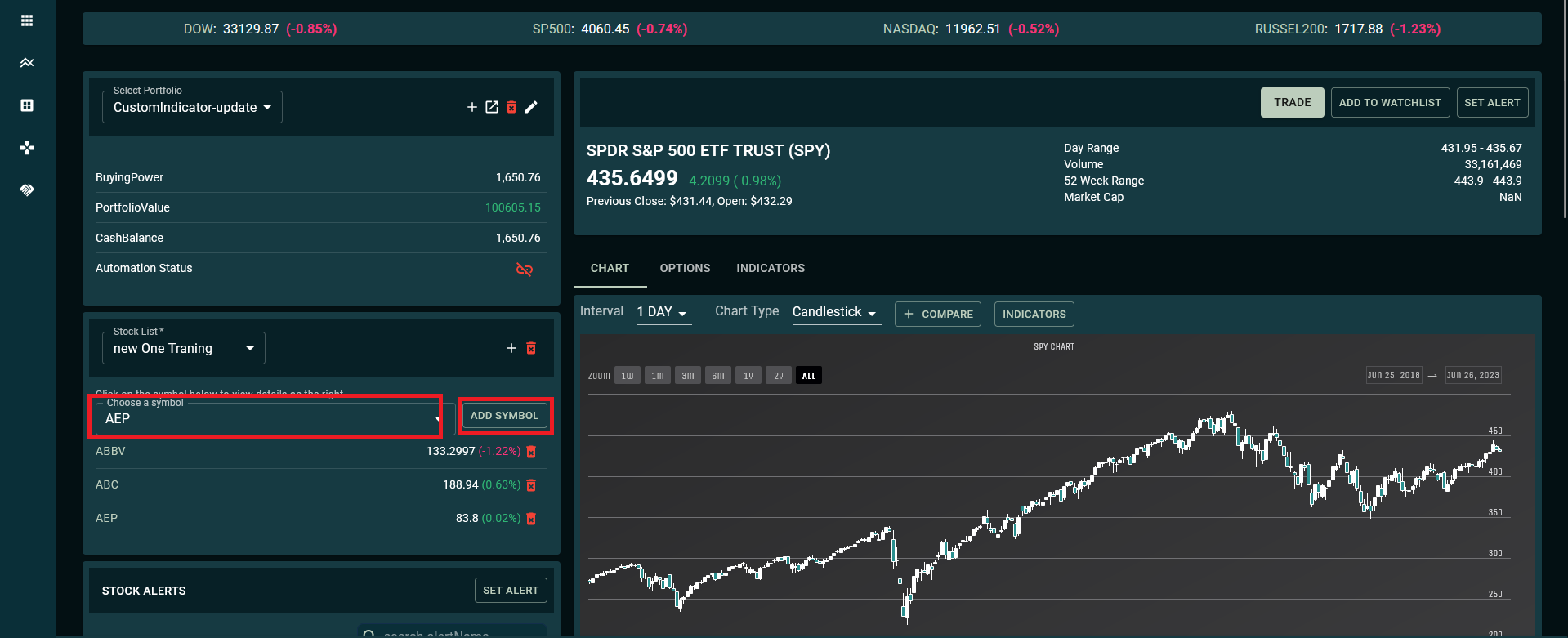
Use a watch list
- Open a symbol's chart or detail view.
- Select rows for a supported multi-security manual trade.
- Use the list as a Market Automation universe.
- Use it as a strategy universe where the asset and builder support that choice.
Changing a watch list can change the securities resolved by automation that references it. Review dependent automation after membership, asset, or list changes.
Delete a list
Use the watch-list management action to remove an unneeded list. Before deletion, check whether a Market Automation or strategy uses it as a universe; update that resource first so its intended scope remains clear.
A stock watchlist you maintain
A watchlist organizes chosen symbols; it does not select stocks or represent owned positions. Standard includes one list, Premium ten and Elite twenty. Check quote timestamps and sessions before using the data.
- Add symbols and a research-focused name.
- Review quote/change information, then open the chart for timeframe and indicator context.
- Use compact list/chart navigation on a phone and richer tabular comparison on desktop.
- Use a screener for current matches or Market Automation for ongoing notifications.
“My watchlist” can be account navigation; “today’s picks” can imply recommendations. This page explains user-maintained lists. See the saved-list limits.