Classroom labs and group challenges
Classrooms use instructor-controlled Labs; investment groups use organizer-controlled Challenges. Both use the same managed simulation engine and can support guided portfolio work, strategy submissions, or ranked trading.
Find and participate
- Join the private classroom or investment group from its invitation.
- Open Groups and select it to see its Labs or Challenges.
- Review the instructions, schedule, allowed assets, and permitted portfolio actions.
- Use the dedicated portfolio that Investfly creates automatically in your account. No second join step is required.
- For a Strategy Lab or Strategy Challenge, submit a compatible strategy; Investfly locks an activity copy.
- Review your progress and, when enabled by the organizer, compare group results.
Portfolio controls are enforced by the service and reflected in the interface. Unsupported trade, automation, or portfolio-management actions are unavailable.
Create and host
Classroom instructors choose a Portfolio Lab, Strategy Lab, Trading Challenge, or Custom Lab. Investment-group organizers create a Challenge, with Trading Challenge selected by default. Configure manual or algorithm participation, allowed assets, starting cash, short selling, evaluation, duration, and an optional scheduled start.
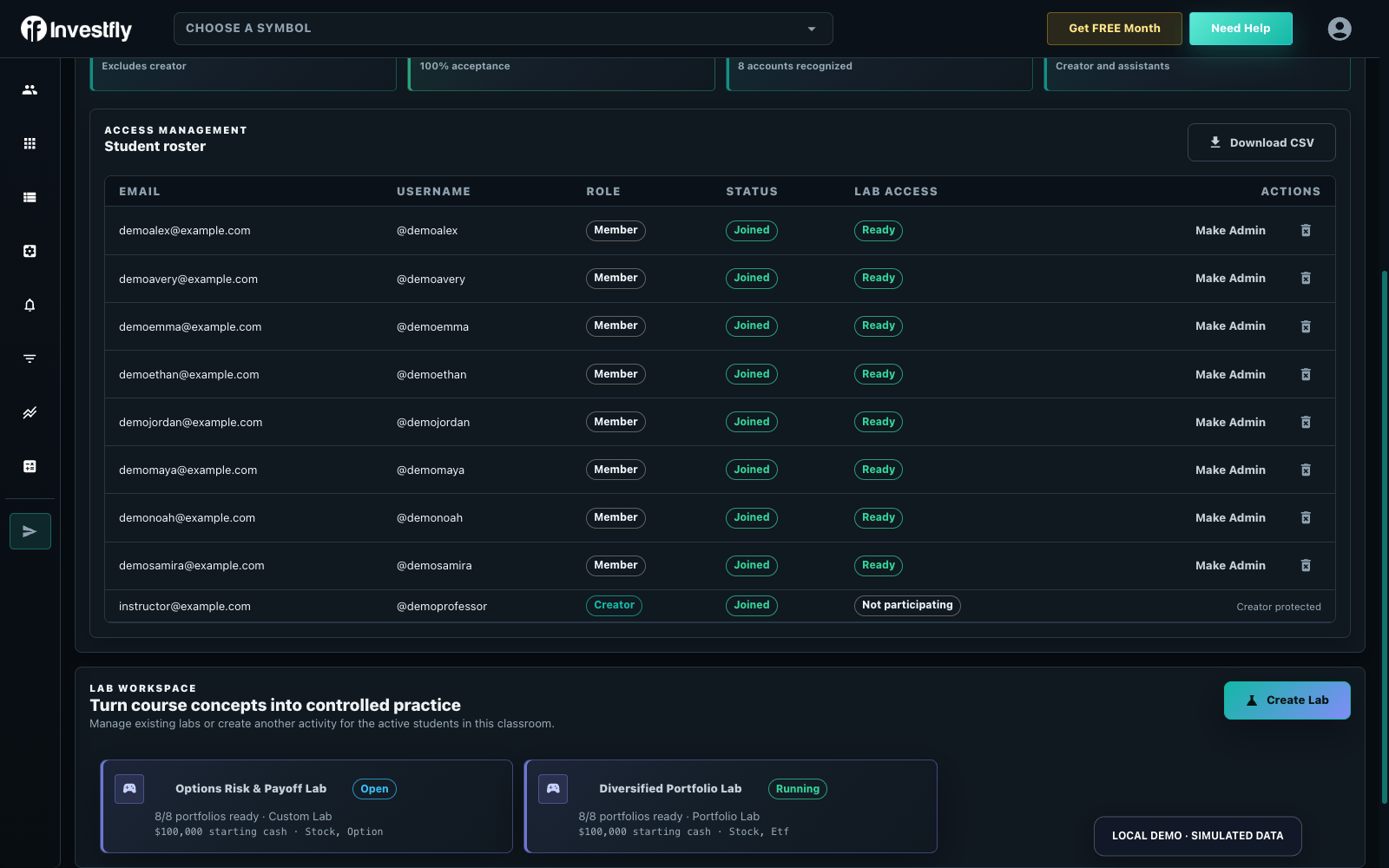
Ranked activities can keep progress private, reveal the final leaderboard after completion, or show a live leaderboard while running. Unranked activities have no student leaderboard. Every active student or group member is enrolled automatically and receives a managed portfolio. People who join while the activity is still open are enrolled too.
Each activity follows three states: Open, Running, and Completed. The actual start is recorded when the activity starts, and its deadline is calculated from that time and the planned duration. While it is running, organizers can extend or shorten the deadline. Early completion records the completion time without replacing the planned deadline.
Evaluation and completion
Evaluation is optional. Unranked activities emphasize completion and portfolio evidence; a Trading Challenge can rank total return and expose results live, only after completion, only to organizers, or not at all. At completion, Investfly stops submitted algorithms, cancels pending orders, and makes managed portfolios read-only.
Instructors can compare course-specific portfolio simulation assignments on the Investfly stock market simulator for students page.
Launch a classroom or virtual investment-club activity
This guide covers an Investfly classroom Lab or investment-group Challenge. It does not cover legal formation, pooled-money administration or discovering a real investment club.
| Before starting | Check |
|---|---|
| Roster | Members have joined the intended group and have the access needed for the activity. |
| Rules | Starting cash, allowed assets, participation mode and duration match the assignment. |
| Visibility | Decide whether standings are private, live or shown after completion. |
| Provisioning | Eligible active members have their own managed portfolios. |
| Review | Keep course grading outside the platform; export available progress data for the instructor’s review. |
Instructor accounts are free; joined students can use academic Premium at $29/month or eligible sponsored access. Check academic pricing for classroom use and retail plans for other roles. Use the instructor overview or the private-contest page for evaluation.